

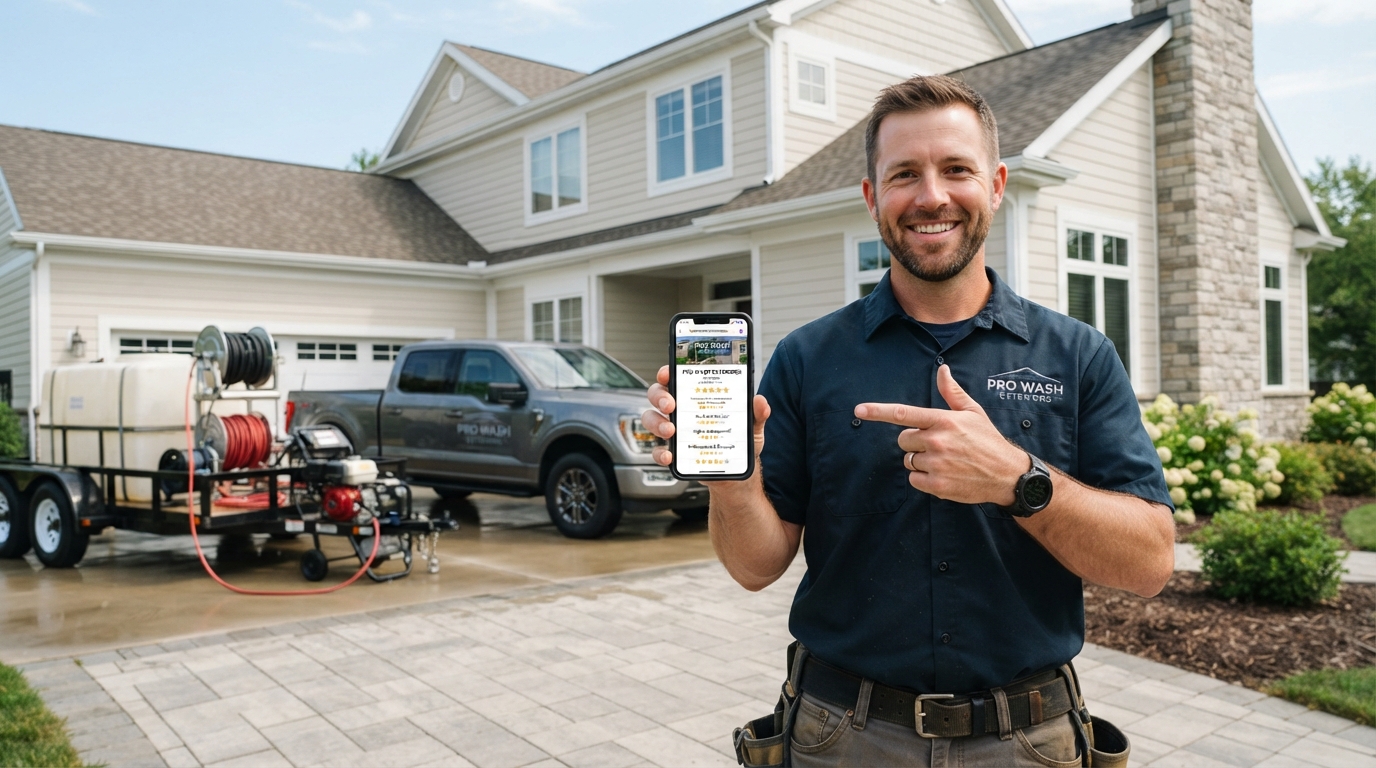
Your Google Business Profile is one of the highest-ROI marketing tools available to pressure washing companies. When it’s optimized correctly, it puts your business in front of customers actively searching for your services — for free. Here’s exactly how to do it right.
When someone in your service area searches “pressure washing near me” or “power washing [city],” the first results they see are Google Maps listings. That’s your Google Business Profile (formerly Google My Business) doing its job — or failing to.
The companies that dominate those map results get more calls, more quotes, and more booked jobs. The ones that haven’t touched their profile since they created it are invisible. Let’s change that.
Set Up Your Google Business Profile Correctly
Claim and Verify Your Profile
If you haven’t claimed your Google Business Profile, go to business.google.com and create or claim your listing. Google will send a verification postcard to your business address (or you may qualify for phone or instant verification).
Don’t skip this. An unverified profile has limited visibility and can’t be managed.
Choose the Right Primary Category
Your primary category tells Google what type of business you are. For most pressure washing companies, the correct primary category is “Pressure Washing Service.” If you also do window cleaning, roof washing, or gutter cleaning, add those as secondary categories — but keep your primary focused on your core service.
Fill Out Every Section Completely
Incomplete profiles rank lower. Fill out:
- Business name: Your legal business name — no keyword stuffing
- Address or service area: If you’re mobile, set your service area by zip codes or city radius instead of a physical address
- Phone number: Use a local number, not a tracking number as your primary
- Website URL: Link directly to your website
- Hours: Keep these accurate and up to date
- Business description: Write 750 characters naturally incorporating your services and location
- Services: Add every specific service you offer with descriptions
Build Your Review Count Aggressively
Google reviews are the single biggest factor in local pack rankings for pressure washing companies. A business with 80 reviews at 4.8 stars will outrank a business with 10 reviews at 5.0 stars every time.
How to Get More Reviews
- Ask at job completion: Text your customer a direct Google review link immediately after the job
- Automate follow-ups: Use your CRM or job management software to send a review request 24 hours after every job
- Make it easy: A short link directly to your review page removes friction. Create a short link at business.google.com under “Share review form”
Pro Tip: Ask Customers to Add Photos or Videos to Their Review
Most pressure washing businesses only ask for a star rating and a few words. That’s a missed opportunity. When you send your review request, specifically ask your customer to include a photo or short video of the finished work — the clean driveway, the restored deck, the bright siding.
Google places higher relevance on reviews that include visual content. A review with an attached before-and-after photo carries more weight in the local ranking algorithm than a text-only review, and it’s far more persuasive to potential customers browsing your profile. Your before-and-after results are your best sales tool — get them into your reviews, not just your social media.
A simple line in your review request text is all it takes: “If you have a moment, we’d love it if you could add a photo of the finished job — it really helps other homeowners see what we can do!” Most happy customers are glad to do it when asked.
Never buy reviews, create fake reviews, or ask friends/family to bulk review. Google penalizes this. Build your count one real job at a time.
Post Content Regularly
Google Business Profile lets you publish posts — short updates, offers, photos, and news. These posts appear on your profile and can influence both ranking and conversion.
Post at least once a week. Good content:
- Before/after job photos
- Seasonal service offers (“Book a spring driveway clean this month”)
- Service announcements
- Customer testimonials
- Educational tips (“Signs your house siding needs washing”)
Upload High-Quality Photos Consistently
Profiles with more photos get significantly more clicks. Google tracks photo engagement as a quality signal. Upload photos regularly:
- Before/after job shots
- Your truck and equipment (branded and professional)
- Your crew in action
- Completed jobs showing clean surfaces
Quality matters. Blurry, dark phone photos hurt more than they help. Professional photography of your work pays dividends across your GBP profile, website, and ads.
Answer Questions in the Q&A Section
The Q&A section on your Google Business Profile can be populated by anyone — including you. Seed it with questions your customers actually ask:
- “Do you offer free estimates?”
- “Are you licensed and insured?”
- “Do you service [specific area]?”
- “What’s the difference between pressure washing and soft washing?”
Answering your own questions ensures accurate information appears and gives customers the confidence to call.
Respond to Every Review
Responding to reviews — both positive and negative — signals to Google that you’re an active, engaged business. It also signals to potential customers that you care about your clients.
Respond to positive reviews with a short, genuine thank-you. For negative reviews, stay professional, acknowledge the concern, and offer to make it right offline. Don’t argue in public.
Track Your Profile Performance
Google Business Profile shows you how many people searched for your business, how many called, and how many requested directions. Review these monthly. If calls are dropping, check what changed — review count, post frequency, competitor activity in your area.
Common Profile Issues That Hurt Rankings
A few things to check and manage actively:
- Submit corrections promptly: If someone edits your Google Business Profile (anyone can suggest edits), Google may apply those changes without notifying you. Check your profile status monthly and submit corrections if anything has changed.
- Manage your service area correctly: If you serve multiple cities, make sure your service area reflects all of them. Competitors who properly manage their service area settings will appear in searches you’re missing.
- Protect against fake reviews: If a competitor or bad actor leaves a fake review, flag it immediately through Google’s review management tool. Maintain appeal documentation of why the review violates Google’s policies.
- Track hours and holiday updates: Outdated hours are a common issue that erodes trust. Complete and accurate business hours — including holiday exceptions — are a basic signal of an active, well-managed business.
- Use the agency/manager access feature carefully: If you work with a marketing agency on your GBP, use Google’s manager access feature rather than sharing your login credentials directly. This lets you manage access professionally and maintain control of your profile.
Month-by-Month GBP Management Checklist
A well-managed Google Business Profile requires consistent practice — not a one-time setup. Here’s a practical monthly checklist to keep your profile performing:
- Weekly: Post one update (before/after photo, offer, or seasonal tip). Upload two to three new job photos.
- After every completed job: Send the customer a direct review link. Protect your review momentum by making this automatic.
- When you receive a review: Respond promptly — within 24–48 hours. For positive reviews, a short personalized thank-you. For concerns, stay professional and offer to manage the situation offline. Never argue publicly.
- Monthly: Review your Insights data. Note call volume, search impressions, and photo views. If numbers are dropping, check what changed — review velocity, post frequency, competitor activity.
- Monthly: Check for suggested edits and review your profile status. Manage any inaccurate information before it affects customers.
- Quarterly: Audit your services list. If your pricing or service offerings have changed, update the profile to reflect current information. Outdated information — especially prices — erodes trust when customers call and hear something different.
- Complete seasonal updates: Before peak season, update your description and add seasonal offers. Submit a holiday hours update every year. A profile that shows accurate information builds trust; one with outdated hour information does the opposite.
- Protect against spam: Google allows users to submit corrections to your listing. Check monthly for unauthorized changes. You can appeal and revert incorrect edits through the Business Profile support tool.
Google Business Profile + Local SEO Together
Your GBP profile is one part of a complete local SEO strategy. Your website rankings, citation consistency across directories, and on-page SEO all influence whether your business appears in the local pack.
If you’re doing everything right on your profile but still not ranking in the map pack, the missing piece is often your website’s local SEO. The two work together.
Signs, Signals, and Proof: What Influences Local Pack Rankings
Google uses a combination of signals to decide which businesses appear in the local 3-pack. Understanding these signals helps you prioritize effort:
- Relevance: Does your profile describe a business that matches what the searcher is looking for? Your categories, services, and description are relevance signals. Complete these thoroughly.
- Proximity: How close is the searcher to your business or service area? You can’t control this, but make sure your service area is accurately configured.
- Prominence: How well-known and trusted is your business online? This is where reviews, website authority, and citation consistency matter most. Prominence is what you build over time with consistent effort.
Specific actions that improve prominence and help you protect your position against competitors:
- Respond to every review within 24 hours: Google tracks engagement. Consistent response practice signals an active business and is directly visible to every potential customer who reads your reviews.
- Post photos weekly: Accounts that regularly upload new job photos see higher engagement on their profiles. Surface area shown in photos (concrete, siding, decks) acts as a relevance signal for specific search terms.
- Keep hours accurate and complete: Incorrect hours are one of the most common customer complaints about local businesses. Manage them carefully — especially around holidays.
- Use agency or manager access for GBP: If you work with a marketing agency on your profile, give them manager access — not owner access. This protects your account and makes it easier to manage access if your agency relationship changes.
- Track and submit appeals for inaccurate edits: Third parties can suggest edits to your profile. If an incorrect change gets applied, appeal it promptly through Google’s support tool to submit a correction and restore accurate information.
Advanced GBP Tips: Signs, Trust Signals, and Staying Ahead of Competitors
Here are advanced tips and practices that help you protect and grow your Google Business Profile over time:
- Use yard signs to drive Google searches: When you’re working in a neighborhood, a professionally branded yard sign creates local impressions. Homeowners who see your signs often search your company name on their device later that day. Google tracks branded search volume as a trust signal. More branded searches improve your local authority and protect your ranking against competitors.
- Manage your profile with the right agency partner: If you work with a marketing agency, designate them as a manager (not owner) on your GBP account. This lets them manage your profile, post content, and respond to reviews without taking full ownership. You retain control, and you can revoke agency access without losing your profile if the relationship ends.
- Prove your legitimacy at every touchpoint: Your GBP is often where potential customers look for proof that you’re a legitimate business. A complete profile with many reviews, consistent posts, real photos of your truck and crew, and responsive communication signals to customers that you’re the professional choice in your area.
- Track your profile status monthly: Check your Insights dashboard every month. Note how many people viewed your profile, how many submitted a call, and how many requested directions. Use this data to manage your content and post strategy. Status monitoring tells you whether your efforts are producing visibility or not.
- Complete your holiday hours every year: An incomplete or inaccurate profile during peak times costs jobs. It takes less than an hour per year to update holiday hours — a small practice that protects revenue during your busiest seasons.
- Appeal fake or inaccurate reviews: If a review violates Google’s policies or was left by someone who clearly isn’t a customer, submit an appeal through Google’s support portal. Protect your reputation proactively — a false negative review on a small profile has an outsized impact on your average star rating.
- Optimize for surfaces you clean: In your GBP description and posts, mention specific surfaces: concrete, siding, roofs, wood decks, driveways. Google’s algorithm uses surface-level keyword signals from your profile to determine your relevance for specific searches.
- Let word of mouth and GBP work together: When satisfied customers mention your name in conversation, their friends often search you on Google before calling. A polished, complete GBP with strong reviews converts that word of mouth referral into a booked job. These two mouth-to-search conversions are free leads — optimize your profile to capture every one.
- Use Facebook to drive GBP reviews: After running a successful Facebook campaign, follow up with new customers via a review request. Facebook ads get you the job; a great Google review gets you the next one. The two channels reinforce each other powerfully.
Frequently Asked Questions
With consistent effort — reviews, posts, photos, and an optimized profile — most pressure washing companies see meaningful improvement in local rankings within 3–6 months. New businesses take longer; established businesses with reviews move faster.
No — use your actual business name. Google’s guidelines prohibit adding keywords to your business name, and doing so risks suspension. The category, description, and posts are the right places to incorporate your target keywords.
They’re the same thing. Google rebranded Google My Business to Google Business Profile in 2021. The platform and its features are identical.
Your Google Business Profile is free real estate that puts you in front of customers at the exact moment they’re ready to buy. Claiming it, optimizing it, and actively maintaining it is one of the best returns on your marketing time in this industry.
If your local rankings still aren’t where they need to be, talk to us about a complete local SEO strategy for your market.